
Read the room
Grid, ledger and floor views of the same service — the host reads the room three ways.
Arrivals, walk-ins, the waitlist, the guest list and every table's status in one place — updating as service moves. Your team knows who is walking through the door before they reach it.
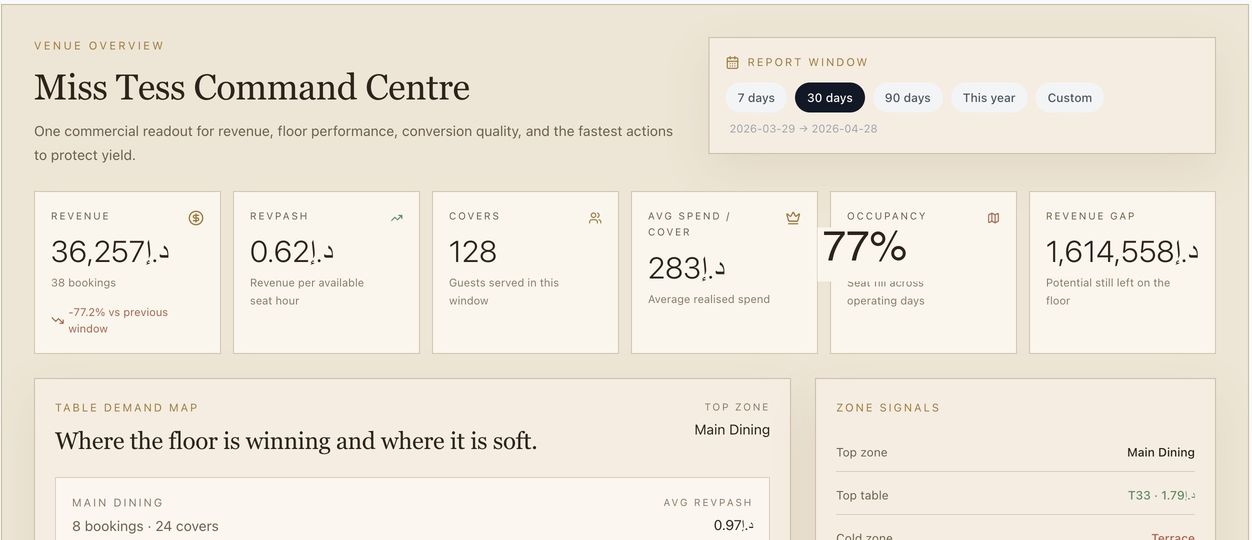
The room changes by the minute. The view changes with it.
Grid, ledger and floor views of the same service — the host reads the room three ways.
Add a walk-in, hold a table or work the waitlist without leaving the floor view.
Each booking opens a guest panel — past visits, spend, preferred zones and no-show history.
Mark guests arrived, seated or completed, move a table, or send a confirmation when needed.
Designed for the pace of a real service, where decisions happen in seconds and the right context has to be one glance away.
Grid, ledger and floor views of the same service, so the host can read the room three ways.
Seat a walk-in or work the waitlist in place, without losing the reservations picture.
Visit history, spend, preferred zones and review rating surface as each guest arrives.
VIPs and occasions are flagged as they walk in, so the welcome is never generic.
A focused arrival roster for guest-list events and busy doors.
Covers, arrivals, walk-ins and no-shows, ready to print at the end of service.
The information always existed — it was just spread across screens, notebooks and memory.
They are known on arrival — the occasion recognised, the preference remembered.
The book, the floor and the team finally in sync, on a single live screen.
Walk-ins, waitlists and re-seats handled in seconds, without losing the picture.
The chosen spot and its guest reach the floor at service.
Explore 04 · Pre-Arrival CommerceDeposit status and pre-orders are visible as guests walk in.
Explore 06 · RAYN BrainHost actions and judgement sharpen every future journey.
ExploreThe whole service in one place — a capacity grid by table and time, a service ledger of every booking with covers, timing and status, and a floor view showing table status by zone. The host can read the room three ways.
Yes. Add a walk-in, hold a table or work the waitlist without leaving the floor view, so the reservations picture is never lost.
Each booking opens a guest panel with past visits, average spend, preferred zones, review rating and any no-show history — and VIPs and occasions are flagged as guests walk in, so the welcome is never generic.
As guests arrive they are marked arrived, seated, completed or no-show, and the picture stays current for everyone working the floor. Status changes run through RAYN's canonical booking flow.
Yes. Print a shift report with covers, arrivals, walk-ins and no-shows once service is done.
See it on your venue
We'll set up Host Station on your floor plan and walk a real service through it — arrivals, walk-ins, the lot.